Choose the camera around your workflow
- Interviews and commercials: ND filters, dependable power, audio inputs and comfortable monitoring all matter.
- Documentary work and gimbals: low weight, reliable autofocus and quick access to settings become more important.
- Advanced post-production: check the codec, grading latitude and storage cost before choosing RAW.
Start by defining the type of production
There is no single best camera for every film. A body that excels in a controlled interview may be awkward during a full day of documentary shooting. Likewise, a lightweight mirrorless camera with excellent autofocus is not always the most convenient centrepiece for a large rig with manual focus, external monitoring and numerous accessories.
For an interview, you will usually need stable operation over a long period, good monitoring, dependable power and a straightforward audio chain. A commercial adds visual references, greater control over the image and more frequent collaboration with a camera assistant. Documentary work rewards mobility and fast reactions. Product shoots may require a flexible recording format, precise monitoring and the option to use macro lenses.
| Type of production | Most important feature | A good starting point |
|---|---|---|
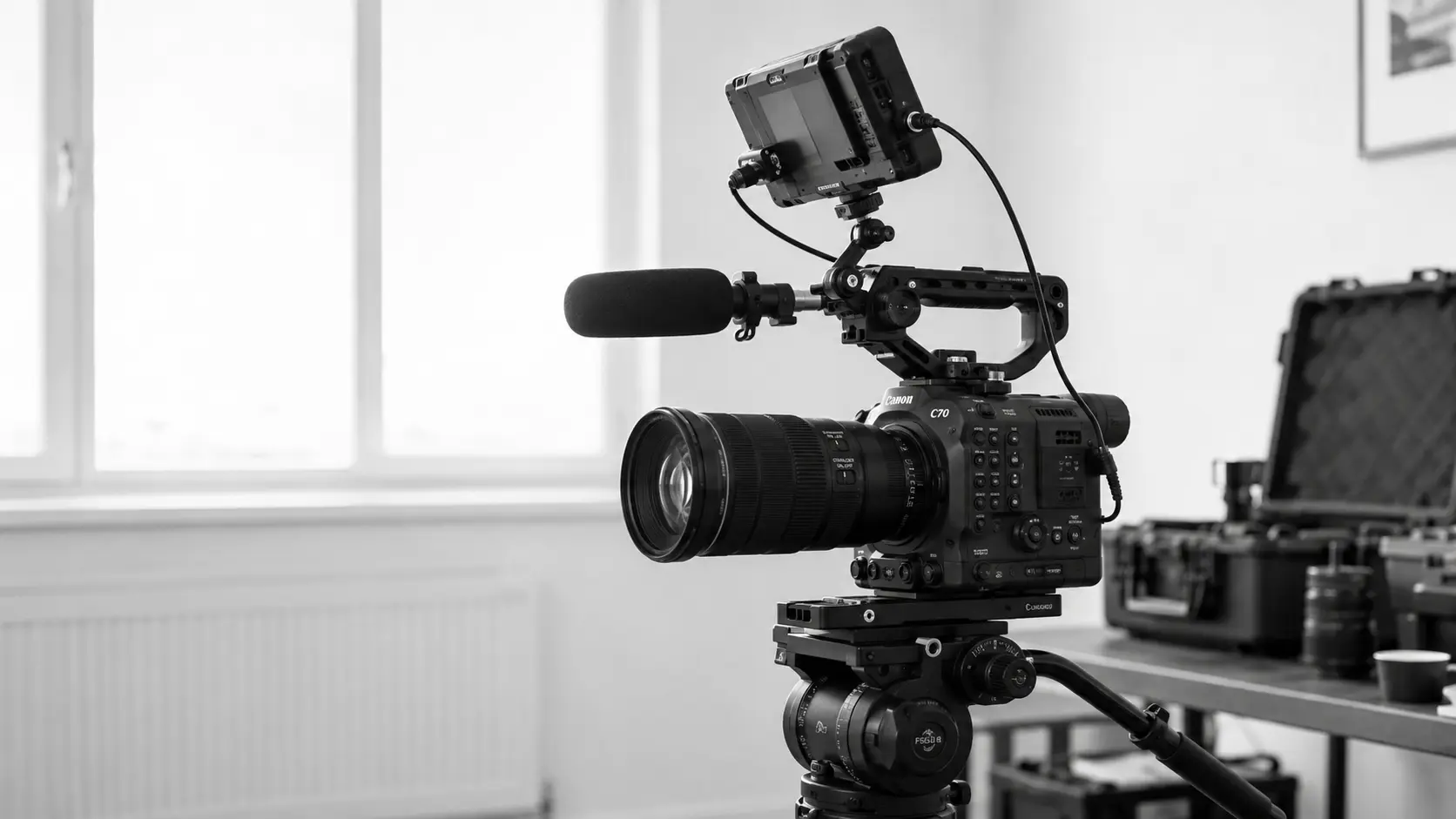
| Interview | ergonomics, ND, audio and power | Canon C70 |
| Documentary / event | autofocus, low weight and low-light performance | Sony A7S III or Panasonic S5II |
| Commercial | image control and a flexible recording format | Canon C70 or Pocket Cinema Camera 6K Pro |
| Gimbal | weight, autofocus and balance | Sony A7S III or Panasonic S5II |
Not sure which camera is right? Call us or describe your shoot in a message. We will gladly select the body, lenses, monitoring and power configuration and, if needed, a crew to operate the equipment.
Crew size changes the choice of camera
If one person is framing, pulling focus, monitoring sound and managing the shoot at the same time, reliable autofocus may matter more than the most advanced codec. The Sony A7S III and Panasonic S5II suit a lightweight workflow, particularly when the camera is moving on a gimbal or the operator frequently changes position.
With a dedicated focus puller, you can deliberately choose manual focus and cinema lenses. The Canon C70 or Blackmagic Pocket Cinema Camera 6K Pro are easier to expand into a full operator rig, but adding a cage, power, monitor and accessories increases both weight and setup time. If you expect frequent lens changes or rig rebuilds, find out what a camera assistant can take care of.
Full frame or Super 35?
Full frame makes it easier to achieve a wide field of view and shallow depth of field, but it does not automatically produce a more cinematic image. With the same composition and aperture, focus can be harder to hold, especially when the subject moves towards the camera. The Sony A7S III and Panasonic S5II use full-frame sensors.
Super 35 remains a practical production standard. It offers a broad choice of lenses, makes depth of field easier to control and works well with many cinema lenses. The Canon C70 and both Pocket 6K bodies in the current catalogue are natural starting points for this setup. In a tight interior, you only need to make sure the available lenses can deliver a sufficiently wide shot.
Match the codec and RAW workflow to the edit
A heavier recording format can provide more freedom in colour grading, keying and recovering high-contrast scenes. At the same time, it means more cards, longer copy times, larger drives and often a slower edit. If the footage needs to be edited and published quickly, a well-exposed file of a sensible size may be better than RAW recorded without a post-production plan.
Before renting, establish the delivery format, the expected hours of footage and the editing deadline. Then calculate the media and space required for at least two copies. Blackmagic RAW is a strong reason to choose the Pocket Cinema Camera 6K Pro, but only when the entire workflow is ready for it. Otherwise, choose a codec that the editing system can read without time-consuming conversion.
Ergonomics of the complete rig
The camera body alone does not determine how comfortable the setup is to use. Check how the monitor mounts, how many batteries you need, access to the cards, audio inputs, ND filters and the time required to move from tripod to gimbal. A lightweight camera can quickly become a heavy rig once you add a cage, external power, follow focus and video transmitter.
If you plan to use a gimbal, provide the lens model and every accessory mounted on the camera. The manufacturer's stated payload is not enough — the rig must be physically possible to balance. On a tripod, what matters is the weight of the finished configuration, not the camera body alone.
Comparison of cameras in the catalogue
| Model | Best suited to | Working style | What to check |
|---|---|---|---|
| Canon C70 | interviews, documentary, commercials | cinema body, Super 35, built-in ND | choose RF lenses or the right adapter |
| Sony A7S III | documentary, events, gimbal | full frame, reliable AF, lightweight rig | plan power and ND filtration |
| Pocket Cinema Camera 6K Pro | commercials, music videos, controlled sets | Super 35, EF mount, Blackmagic RAW | manual workflow and larger files |
| Panasonic S5II | small crews, gimbal, content | full frame, lightweight setup, AF | confirm L-Mount lenses or an EF adapter |
The catalogue also includes other bodies and specialist cameras. View the current cameras and daily rates, and describe the kind of shots you are planning in your enquiry. If your equipment list is not ready yet, that is no problem — we will gladly help you build it and check the compatibility of the complete package.
What should you add to the camera body?
- a lens compatible with the mount and sensor size,
- an ND filter or matte box if the camera has no internal filters,
- sufficiently fast cards and a card reader,
- spare batteries and a way to charge them on set,
- a tripod, gimbal, slider or rig rated for the finished setup,
- monitoring, the correct cables and, if needed, wireless video transmission,
- audio synchronised with the chosen recording workflow.
Common mistakes when choosing a camera
The most common mistake is choosing solely by resolution. 6K or RAW will not improve the footage if the shoot is missing a wide lens, ND filter, the correct tripod plate or enough power. Another problem is an overbuilt rig for a small crew — every added component must be assembled, checked and transported.
A third mistake is failing to test before the actual shot. After collection, record a short clip in the intended format, check picture and sound, play it back and make sure the editing system can read it. With an unfamiliar system, it is worth booking a camera operator or assistant instead of learning the configuration under time pressure.
Frequently asked questions
01Which camera is best for an interview?
A body with ND filters, dependable power, audio inputs and clear monitoring is usually the most convenient. The Canon C70 is a strong starting point, but the final choice depends on the lenses and crew size.
02When is full frame better than Super 35?
When you need a very wide field of view, shallow depth of field or a lightweight body available in a full-frame system. Super 35 can be easier to focus and offers many practical lens options.
03Do you need RAW to make a film?
No. RAW makes sense for demanding grading, visual effects or a controlled workflow. For a fast edit, a lighter codec recorded correctly on set is often the better choice.
04Which camera works best on a gimbal?
The weight of the complete setup, the ability to balance it and autofocus performance all matter. The Sony A7S III and Panasonic S5II are common starting points for a lightweight rig.
05Can I rent a camera with an operator?
Yes. GetCamera can combine the equipment with a camera operator or camera assistant and select the remaining components for your specific shoot.
You do not need to know every model.
Tell us what you are producing. We will gladly help you select and configure the equipment and, if needed, the right people for your shoot. You can also go straight to the equipment catalogue or crew overview.